1. Inventory Devices and Services
List every smartphone, hard drive, cloud service, and social platform where your personal photos, written notes, voice memos, or life updates currently reside.
Transform overwhelming camera rolls, cloud backups, and forgotten social feeds into a permanent, meaningful record of your real life.

Modern life buries our most vivid moments across messaging apps, camera rolls, cloud backups, and abandoned social media profiles. When every screenshot, blurry photo, and quick note is saved by default, finding the moments that truly shaped us becomes nearly impossible. Preserving personal archives effectively requires curating meaningful records rather than accumulating endless raw data [S3]. Digital fatigue occurs when high-volume storage replaces deliberate memory keeping. Without active curation, personal history dissolves into unsearchable noise. The goal of a digital memory declutter journal is not to purge your past ruthlessly, but to move meaningful stories out of siloed platforms and into an intentional, private archive [F1]. By distinguishing between temporary information and permanent personal heritage, you create physical and emotional room to appreciate where you have been and how you have grown over time.
Before attempting to organize or refine your personal memories, gather your raw files from isolated third-party platforms into a single secure local workspace.
Raw media files rarely tell a full story without human reflection. Transform isolated photos and notes into meaningful narrative keepsakes using clear curation parameters.
A photograph captures a split second of light, but it frequently loses its emotional significance without context. To keep visual archives rich and engaging, pair key photographs with authentic personal voice reflections [F1]. Spoken commentary captures tone, background noise, and immediate candor that typed captions often miss. When reviewing past travels, major life shifts, or quiet weekend rituals, speak directly into your journal to record who was present, what was happening behind the scenes, and why that day mattered [F1]. Furthermore, organize your catalog by indexing favorite books, songs, and places alongside entries [F5]. This multi-layered approach ensures your personal memory remains vibrant and navigable decades later, turning flat image folders into a living, multi-sensory chronicle of personal evolution.
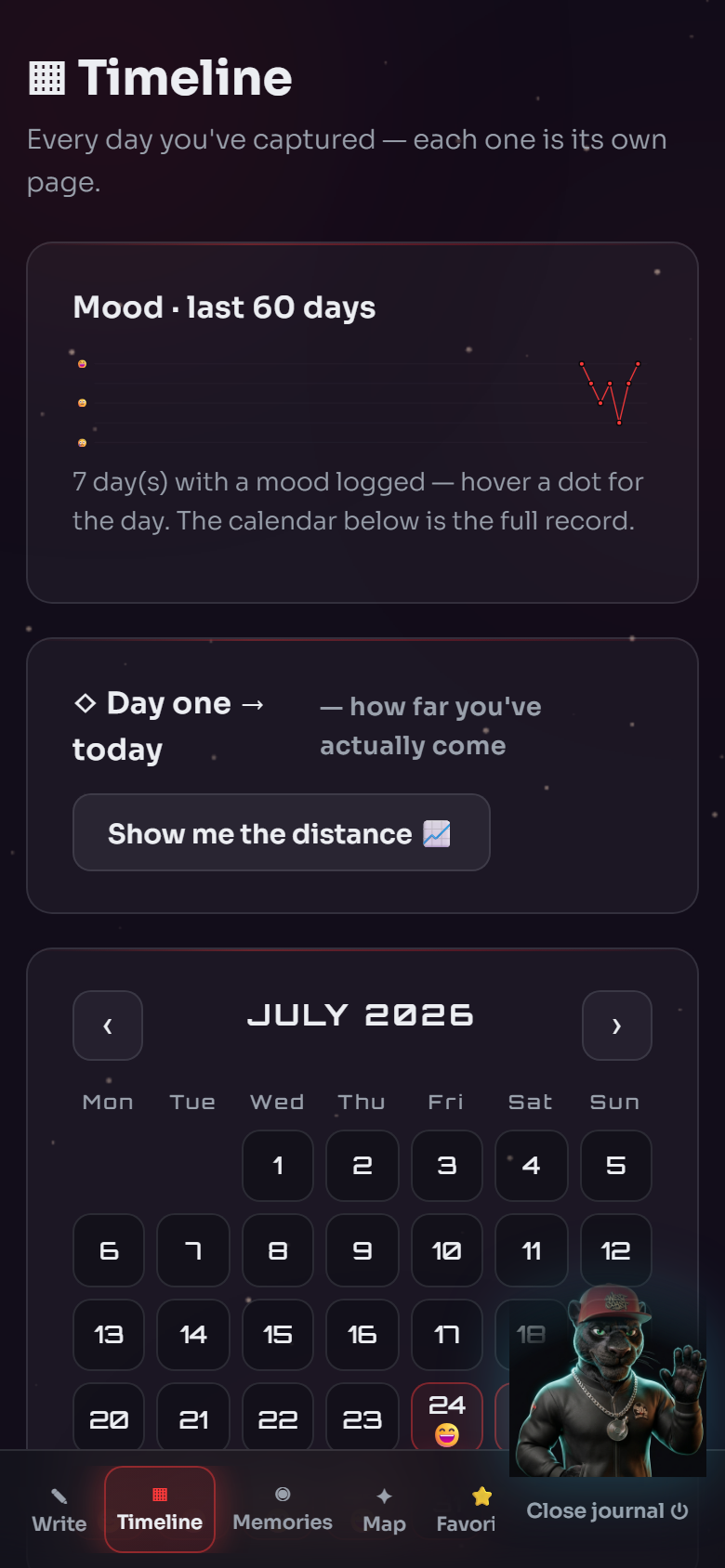
Follow this practical workflow inside LIZAX Journal to turn scattered digital exports into a polished permanent record.
Curating personal history requires emotional honesty and clear boundaries. Your private journal entries remain entirely under your control; public articles or external guides are never automatically copied into your private journal [F2]. To support long-term reflection without cluttering your system, the journal's optional guidance coach uses a bounded rolling summary capped at 600 words for lasting personal facts [F3]. Draft copy, scripts, research text, and coach prose are explicitly excluded from memory condensation to preserve total clarity [F4]. Note that while structured reflection and emotional processing foster clarity, personal journaling is an educational tool for personal growth rather than a medical or mental health treatment. If you are working through trauma, pair your archiving ritual with qualified professional support.
Transform digital clutter into a permanent, beautiful keepsake. Make a note about this in your journal: set aside thirty minutes at the end of every month to upload core photos, speak your candid reflections, and complete your monthly review [F1]. Over time, these private entries assemble seamlessly into a printable yearbook that honors your genuine journey [F1]. Ask your coach: 'How can I gently let go of old digital files without feeling like I am losing my past?' Start your private archiving ritual today.
Start Your Private JournalCloud services store raw unedited data streams, whereas a digital memory declutter journal focuses on active curation, voice reflections, emotional context, and structured monthly reviews [F1][S3].
No. Members strictly choose what they write or save; public articles are never automatically copied into private entries [F2]. Furthermore, coach memory relies on a capped 600-word summary while full private entries stay separate [F3].
Generated drafts, blog copy, scripts, research text, and coach prose are explicitly excluded from long-term memory condensation to keep your core personal facts distinct and unpolluted [F4].
Yes. The journal features monthly reviews and synthesizes entries into a printable yearbook, creating a tangible physical record of your personal journey [F1].
FROM EDUCATION TO PERSONAL ACTION
This article remains public educational content. Inside the private journal, you decide whether to apply it to your own life, save a reflection or discuss it with your coach.